
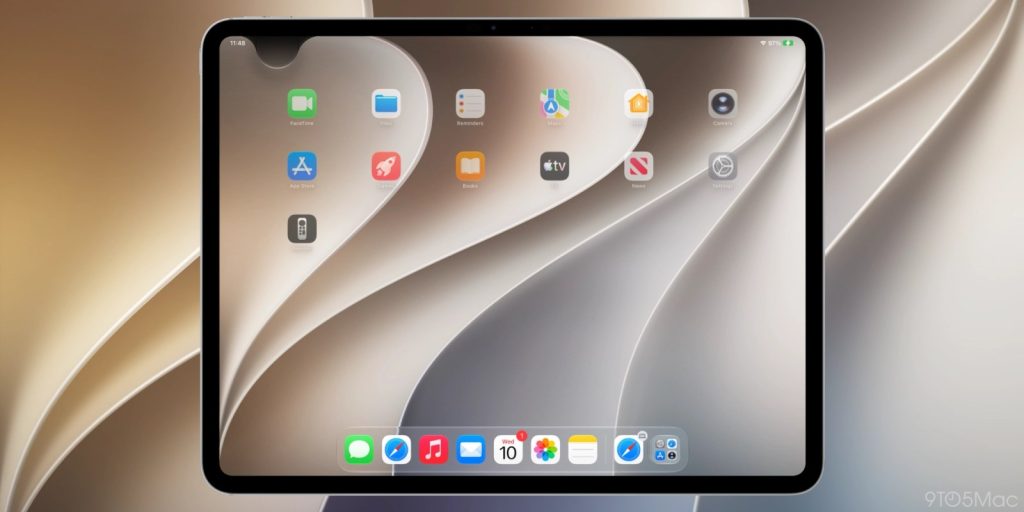
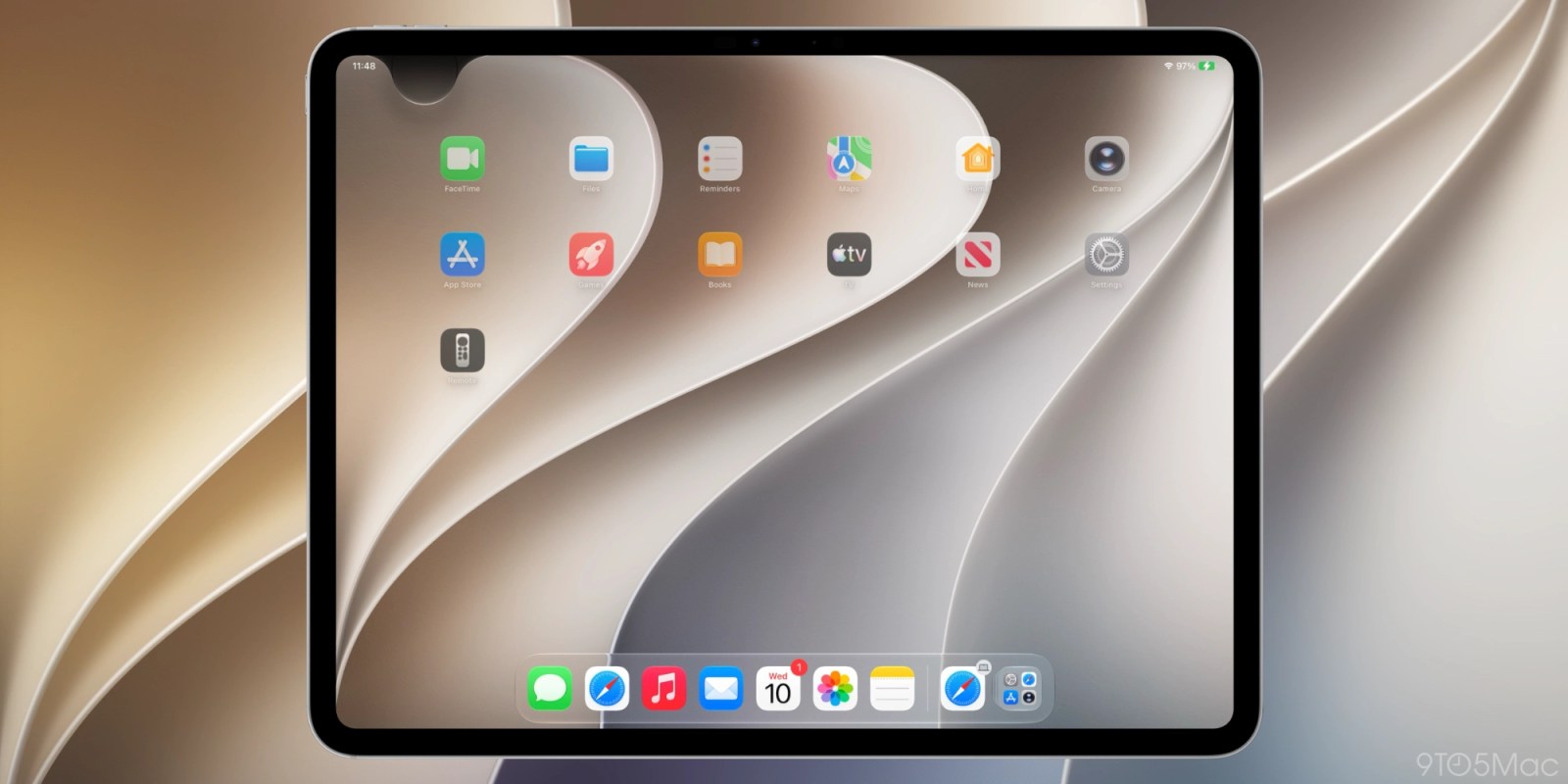
Since iOS 5 in 2011, the iPhone and iPad have included Notification Center, a central place to find alerts from various apps in chronological order.
Starting with iOS 27, Apple is making a major change to how users open Notification Center on iPhone and iPad. iOS 27 is currently in beta, and the behavior has changed slightly between the first two releases.
Siri AI takes over the swipe gesture for a lot of the iPhone and iPad top edge
Opening Notification Center is unchanged on iOS 27 and iPadOS 27 by default. However, enabling Siri AI changes a key swipe gesture on both iPhone and iPad.
One of the many ways of invoking Siri AI, once enabled, is by swiping down from the center of the top edge of your iPhone or iPad display. This previously opened Notification Center.
You can still access Notification Center by swiping down from the top-left corner once Siri AI is enabled. Alerts now animate in from the top left corner. This is a way to point users toward Notification Center’s smaller surface area.
Apple is greatly prioritizing Siri AI access in iOS 27. The majority of the top edge is devoted to invoking the new Siri experience.

The last time Apple made a change to accessing Notification Center came when Control Center moved from a swipe up gesture from the bottom to a top-right corner swipe down gesture on iPhone X. Apple later unified this experience across devices.
Notifications now live in the top left corner
Now it’s Notification Center’s turn to be put in the corner. On iPadOS 27 beta 1 in particular, the area above Home screen app icons was pretty much devoted to invoking Siri AI. The area for opening Notification Center actually shrank if you disable displaying AM/PM or the date.
Apple improved this with iPadOS 27 beta 2, creating a more uniform region on either side. It’s roughly the size of two app columns with Notification Center on the left and Control Center on the right. The rest is for invoking Siri.
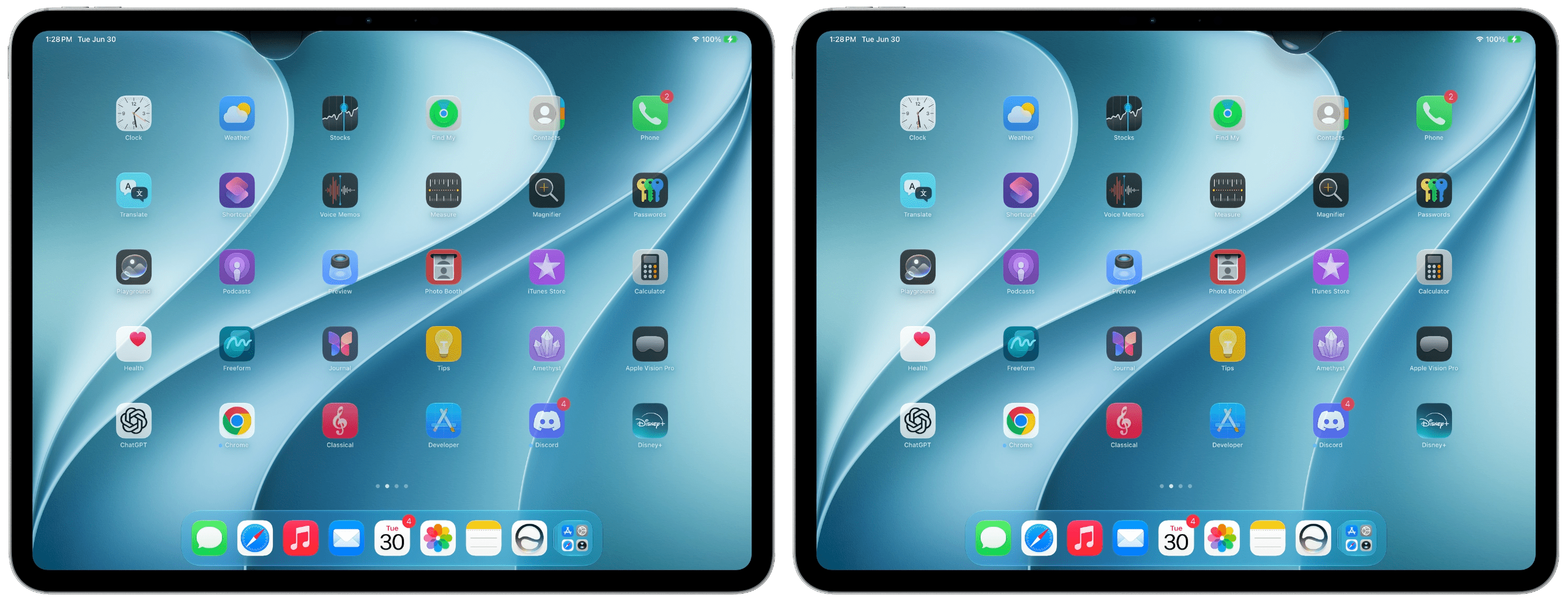
After 15 years of muscle memory, it’ll take some time to determine if this change is worth it or something that should be reconsidered. In the meantime, early feedback sounds overwhelmingly positive around Apple’s new Siri AI system. Hearing that Siri is good now will also take some getting used to, I’m sure.
Do more with your Apple products
Apple AirTag 2 | Add Find My tracking to keys, bags, bikes, more
AirPods 4 | Apple’s newest wireless headphones
AirPods Pro 3 | Apple’s best wireless headphones
Beats USB-A to USB-C Cable | The official CarPlay cable
Wireless CarPlay Adapter | No more plugging in required
Withings Body Comp | Best smart scale for Apple Health

Top comment by mz4srmsr
Liked by 36 people
I’ve been always swiping from the left corner to see my notifications. I didn’t even know you could swipe from the center to get to it as well 😂 I guess I’m good then?
View all comments